
Nemotec · Treatment planning
Nemotec NemoStudio Suite — build and modules to confirm: features, system requirements & setup
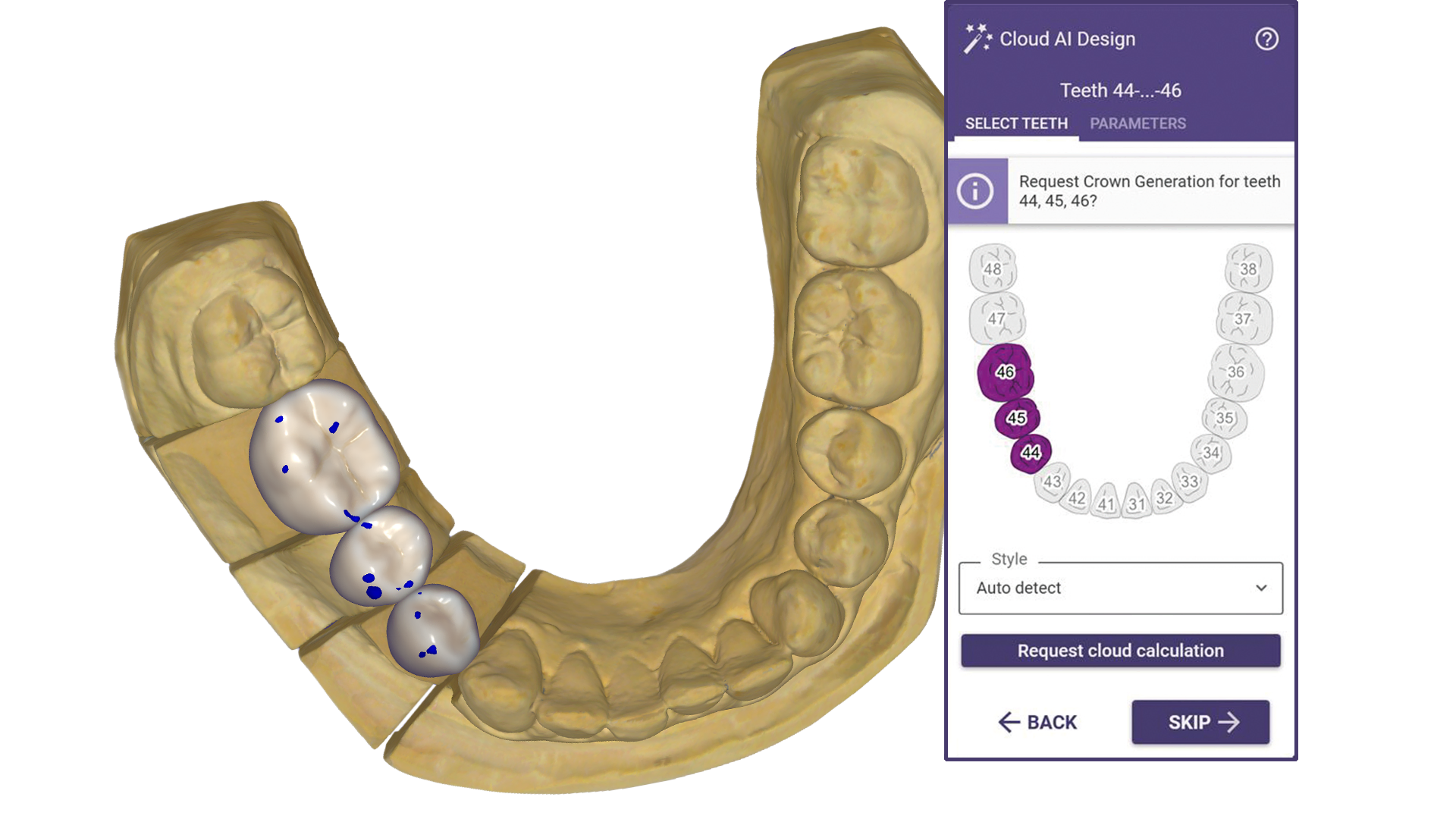
A multidisciplinary dental platform for diagnosis, planning and visual treatment communication.
Guide updated · Independent software support
Available for authorised installation and setup; licence and build compatibility to be confirmed
What is Nemotec NemoStudio used for?
A multidisciplinary dental platform for diagnosis, planning and visual treatment communication. Clinicians and laboratories coordinating orthodontic, implant, smile-design and orthognathic workflows.
Confirm desktop, cloud or web configuration and scanner or DICOM import requirements.
Nemotec NemoStudio features and edition differences
- Organises patient records across supported dental specialties.
- Licensed modules support cephalometry, implant planning and surgical simulation.
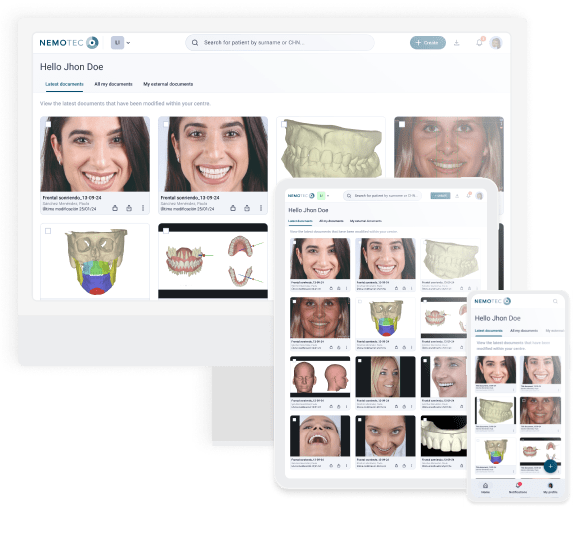
A shared platform connects complementary modules and patient visualisation.
Licensed modules and packages
Select NemoScan, NemoCeph, NemoCast, NemoFAB, NemoSmile and other required modules individually.
Nemotec NemoStudio hardware and system requirements
The exact Nemotec NemoStudio release and licensed modules need a supplier-confirmed workstation specification.
| Component | Minimum or required check | Recommendation or preparation |
|---|---|---|
| Operating system / CPU | Confirm supported OS build and CPU architecture | Request the release-specific workstation table |
| RAM / GPU | No current numeric minimum verified in this guide | Confirm memory, VRAM and graphics API for the intended workflow |
| Storage | Installer size is separate from project capacity | Allow room for case files, exports and a tested backup |
| Connected equipment | Confirm desktop, cloud or web configuration and scanner or DICOM import requirements. | Confirm model, drivers and licensed interfaces before installation |
Do not buy a workstation from a generic CAD/CAM specification alone. Older manuals or another product in the same family may not apply to this edition.
Manufacturer requirements can change. Minimum specifications are not a performance guarantee for large cases, multiple applications or connected equipment. SSD storage and a tested backup are our preparation advice unless stated in the manufacturer guidance.
Compare requirements across the software cataloguePrepare for Nemotec NemoStudio installation
List the required Nemo modules first: cephalometry, implant and surgical workflows can need different input files and licence entitlements.
- Record your exact release, licensed modules and intended workflow.
- Share your OS build, CPU, RAM, GPU/VRAM and free disk space for a workstation check.
- Installation and setup service only. A valid manufacturer-authorised licence and the selected module entitlements are required; software licences, subscriptions and usage charges are purchased separately.
- Back up case files, settings and libraries; agree a recovery plan before an upgrade.
- Confirm import/export and connected-equipment tests with a representative case before production.
Service price and licence costs
View the current consultation and installation fee in the service panel. Manufacturer licences, subscriptions, export credits, and optional modules are separate unless explicitly included in your confirmed quotation. The service fee is per workstation; scope is agreed before work starts.
Nemotec NemoStudio questions
Can I use Nemotec NemoStudio on my current laptop or Mac?
Confirm the supported OS and workstation for your exact Nemotec NemoStudio edition before choosing a laptop or Mac. Compare your hardware with the table above.
What should I check before connecting Nemotec NemoStudio to my workflow?
List the required Nemo modules first: cephalometry, implant and surgical workflows can need different input files and licence entitlements.
Does the service include a Nemotec NemoStudio licence?
Manufacturer licences, subscriptions, export credits, and optional modules are separate unless explicitly included in your confirmed quotation. Installation and setup service only. A valid manufacturer-authorised licence and the selected module entitlements are required; software licences, subscriptions and usage charges are purchased separately.
Official Nemotec NemoStudio resources and manufacturer sources
Use current manufacturer documentation and your authorised supplier to confirm release requirements and entitlements.
Browse associated product resources