
Set up your software.
Starting with a new workstation or software package? Check requirements and arrange an authorised installation.
Plan my installationFOR DENTAL LABS, CLINICS & MILLING CENTRES
Installation issues? Planning a CAD/CAM upgrade? Get a clear next step for your software, workstation and workflow, with practical support wherever you work.
30-minute review · Directly on Telegram · No payment taken at booking
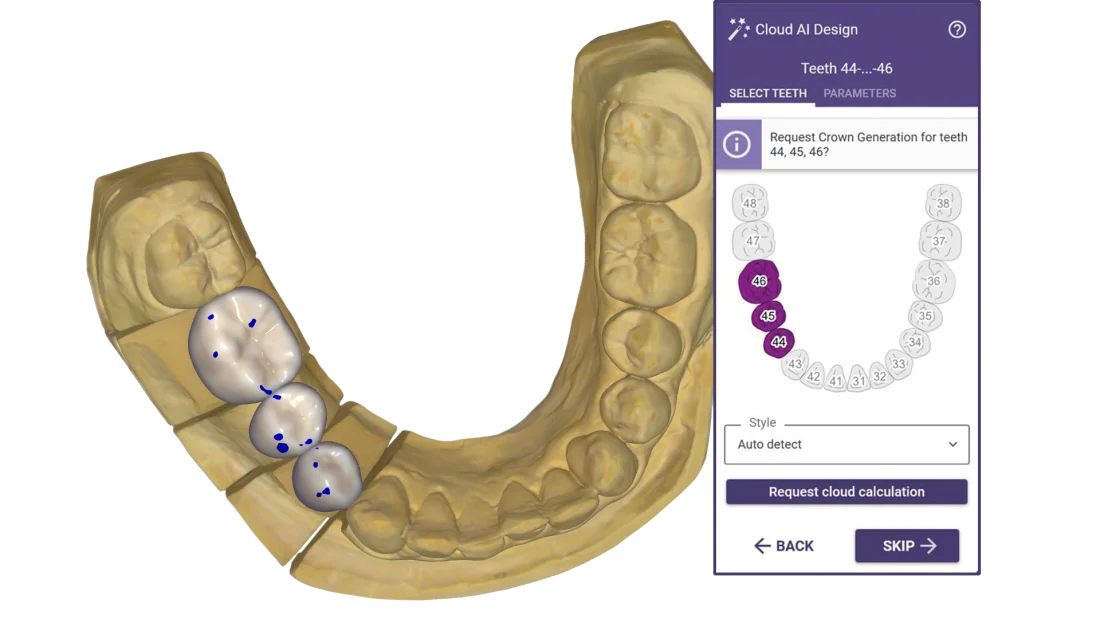
Software, licensed modules and workstation requirements need to work together.
START WITH WHAT YOU NEED
You do the dental work.
We help you plan the software setup behind it.
Starting with a new workstation or software package? Check requirements and arrange an authorised installation.
Plan my installationSoftware not opening, a compatibility issue or an interrupted workflow? Share the version and what is going wrong.
Discuss my issueMake a considered change. Discuss your scanner, licensed modules and milling setup before you upgrade.
Plan my upgradeYOUR 30-MINUTE SETUP REVIEW
Before you buy, reinstall or upgrade, discuss how your software fits your workstation and the cases you do.
Bring your questions. Leave with the requirements and next steps to confirm.
FREE setup ReviewMessage us on Telegram with your software and preferred time. We’ll confirm availability.
A CONVERSATION WITH A PURPOSE
What you want to design, plan or manufacture.
Software version, workstation and connected equipment.
Compatibility, licence entitlements and modules.
The service scope and quotation to confirm.
Booking takes no payment. Installation work and manufacturer licences are arranged separately.
ALREADY KNOW YOUR SOFTWARE?
Compare current service prices, explore requirements and choose your next step.
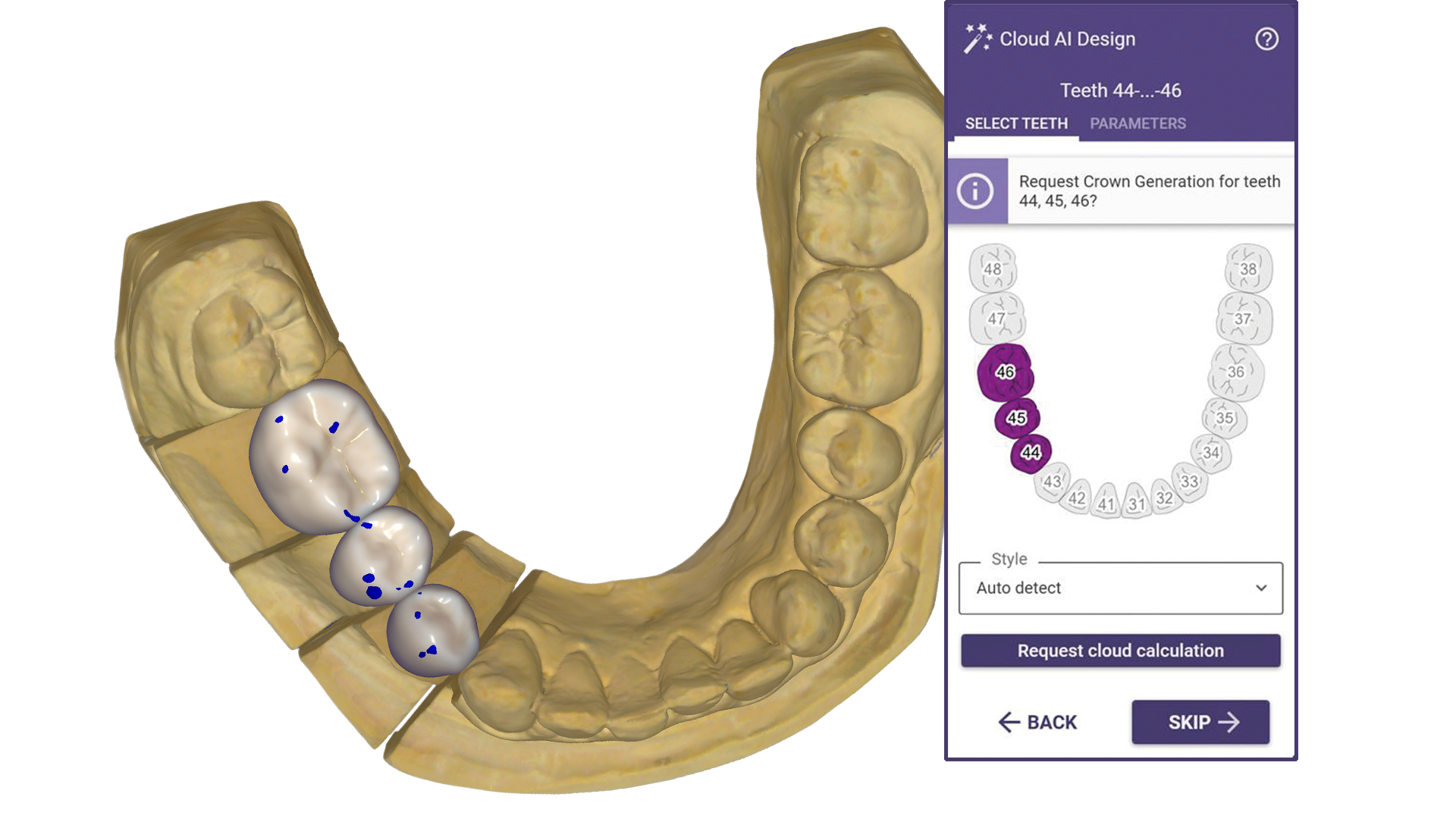
3.3 Chemnitz
Flexible restoration design for laboratories working across digital dental workflows.
Consultation + installation service
OrderDownload (opens in a new tab)Enquire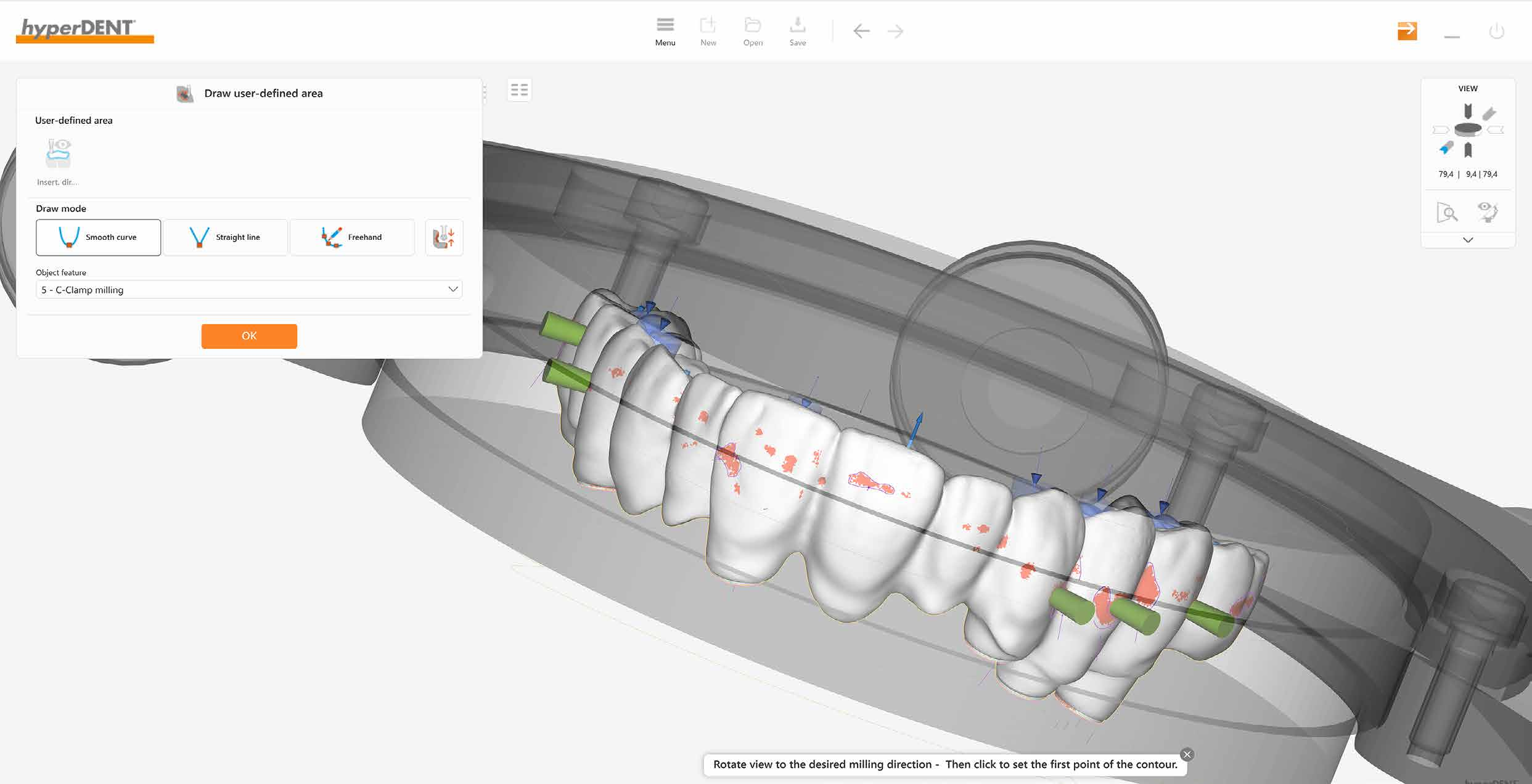
V10
CAM preparation and milling workflows built around your machine and materials.
Consultation + installation service
OrderDownload (opens in a new tab)Enquire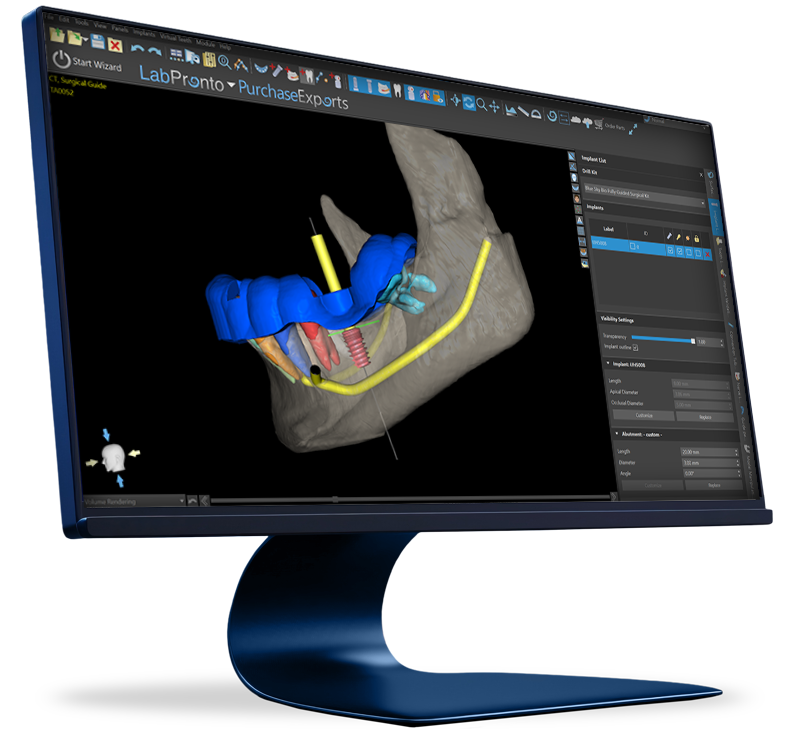
5.1 — confirmation required
Treatment planning and surgical-guide workflows for digital dentistry.
Consultation + installation service
OrderDownload (opens in a new tab)Enquire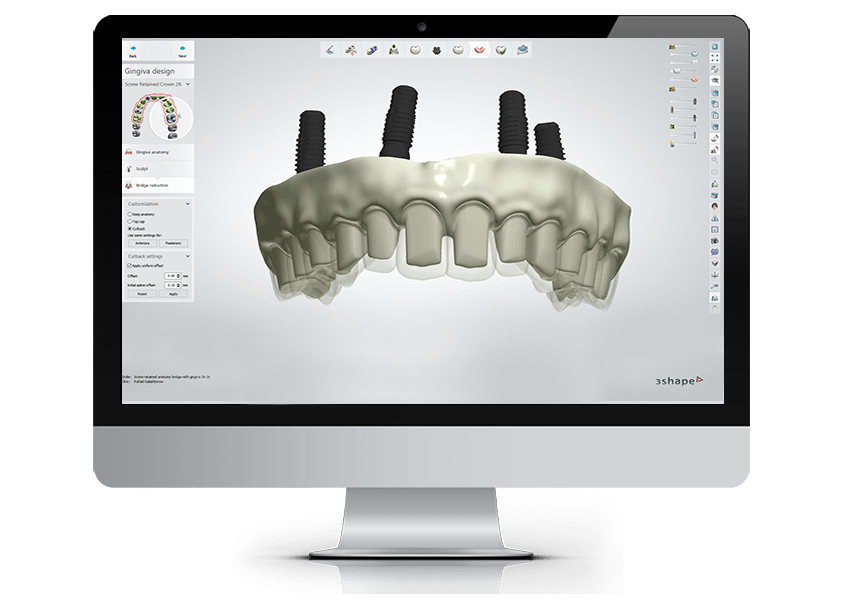
2024
Guided dental CAD workflows for laboratories and their connected ecosystem.
Consultation + installation service
OrderDownload (opens in a new tab)EnquirePrices cover consultation and installation services. Manufacturer licences, subscriptions, export credits, and optional modules are separate unless explicitly included in your confirmed quotation.
DOWNLOADS & RESOURCES
Find software downloads, preparation guides and workstation resources in one place.
MEGA DOWNLOADS
Browse available software files. MEGA links open in a new tab with the download options for each file.
Download from MEGA (opens in a new tab)BEFORE YOU INSTALL
Keep a checklist of backups, software versions, licence details and the workstation information you need.
Download checklistA SIMPLE WAY FORWARD
A clear scope before you commit.
No payment collected at booking.
Choose your software and share your goal. Add workstation details if you have them.
Discuss compatibility, licence requirements and the work involved. Agree the scope and price with the team.
Coordinate your installation, upgrade or troubleshooting session around the confirmed requirements.
KNOW WHAT YOU’RE PAYING FOR
See your current service price before you enquire. Confirm the exact version, requirements and work involved with the team.
Service fees only. Manufacturer licences separate. Offers end Nov 30, 12:00 AM UTC+03:00.
BEFORE YOU BEGIN
Have a question about your exact version or workstation?
Ask the team on TelegramIn a 30-minute conversation, we discuss your software, version, workstation and goal. We identify what needs checking and agree the next step. Installation or troubleshooting work is arranged separately, with a confirmed scope and quotation.
No payment is taken by the website. Booking a review does not purchase a service package or manufacturer licence. Confirm the service scope and quotation with the team before work begins.
Manufacturer licences, subscriptions, export credits, and optional modules are separate unless explicitly included in your confirmed quotation. Valid licence entitlements and authorised installation media are required where applicable.
Share your operating system, CPU, RAM, graphics card and free storage if available, together with your scanner or milling machine. Requirements depend on the exact version and workflow. We flag anything that needs confirmation with your authorised supplier.
All enquiries, support requests and review arrangements go directly to our Telegram messages. Open the chat, review your message and send it.
Start with the cases you want to design, plan or manufacture. You do not need every technical detail to ask for help. The review is a starting point for discussing your options and requirements.
LET’S GET YOUR NEXT STEP CLEAR
Tell us what you want to do, what you’re using and where you’re stuck. Start with a 30-minute setup review.
FREE setup ReviewDirectly on Telegram · Arrange a time with us · No payment taken at booking
You don’t need every technical detail to start. Bring your software version and your questions.