
Dental Wings / Straumann Group · Treatment planning
coDiagnostiX Build to confirm: features, system requirements & setup
Dental surgery planning and flexible surgical-guide design for clinicians and laboratories.
Guide updated · Independent software support
Available for authorised installation and setup; licence and build compatibility to be confirmed
What is coDiagnostiX used for?
Dental surgery planning and flexible surgical-guide design for clinicians and laboratories. Implant clinicians and laboratories preparing treatment plans and surgical guides.
Confirm implant and sleeve libraries, approved indications and downstream guide-production workflows.
coDiagnostiX features and edition differences
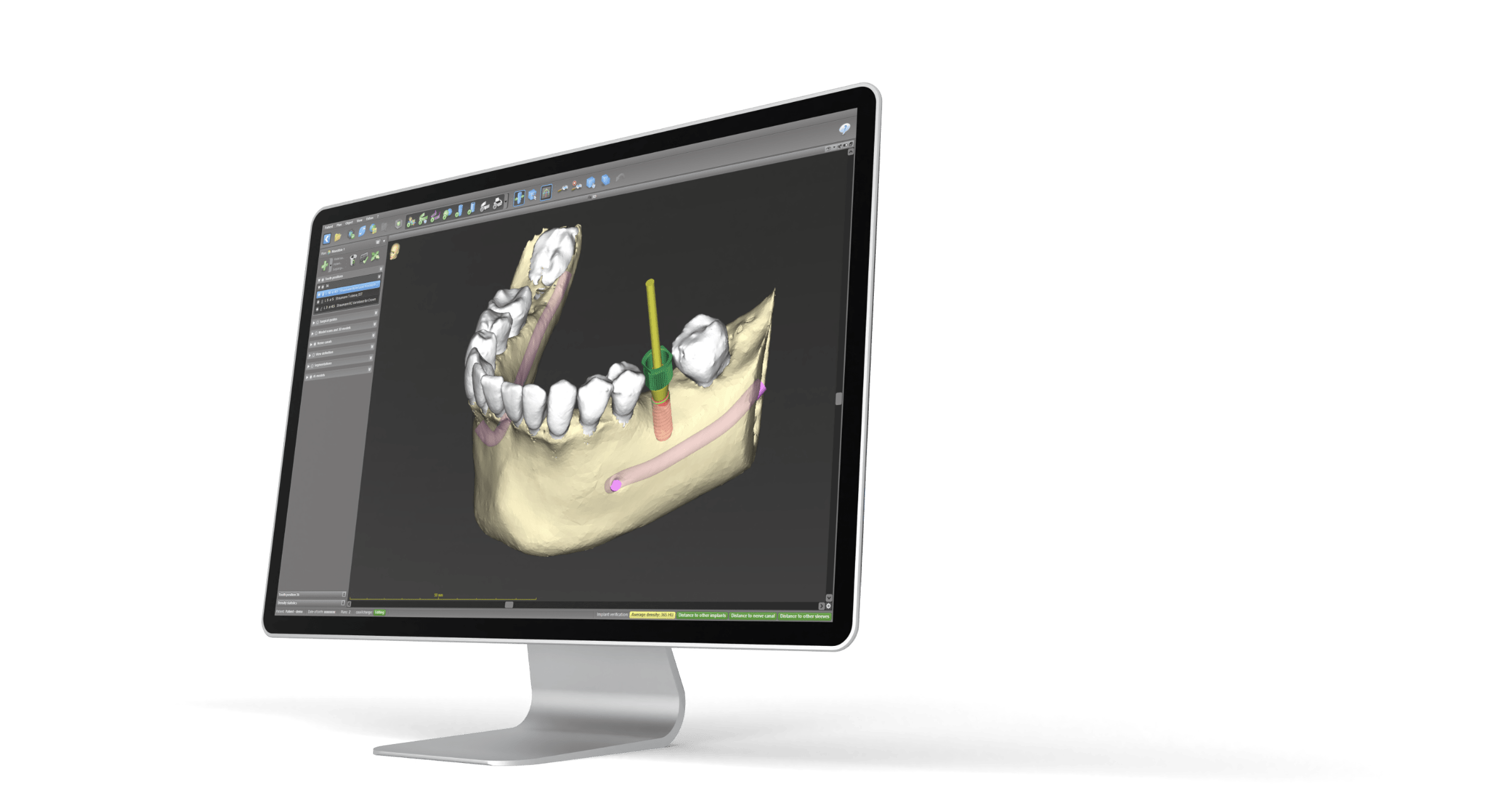
- Integrates scan data with implant and surgical-component libraries.
- Supports guide-design tools, reports and collaborative planning.
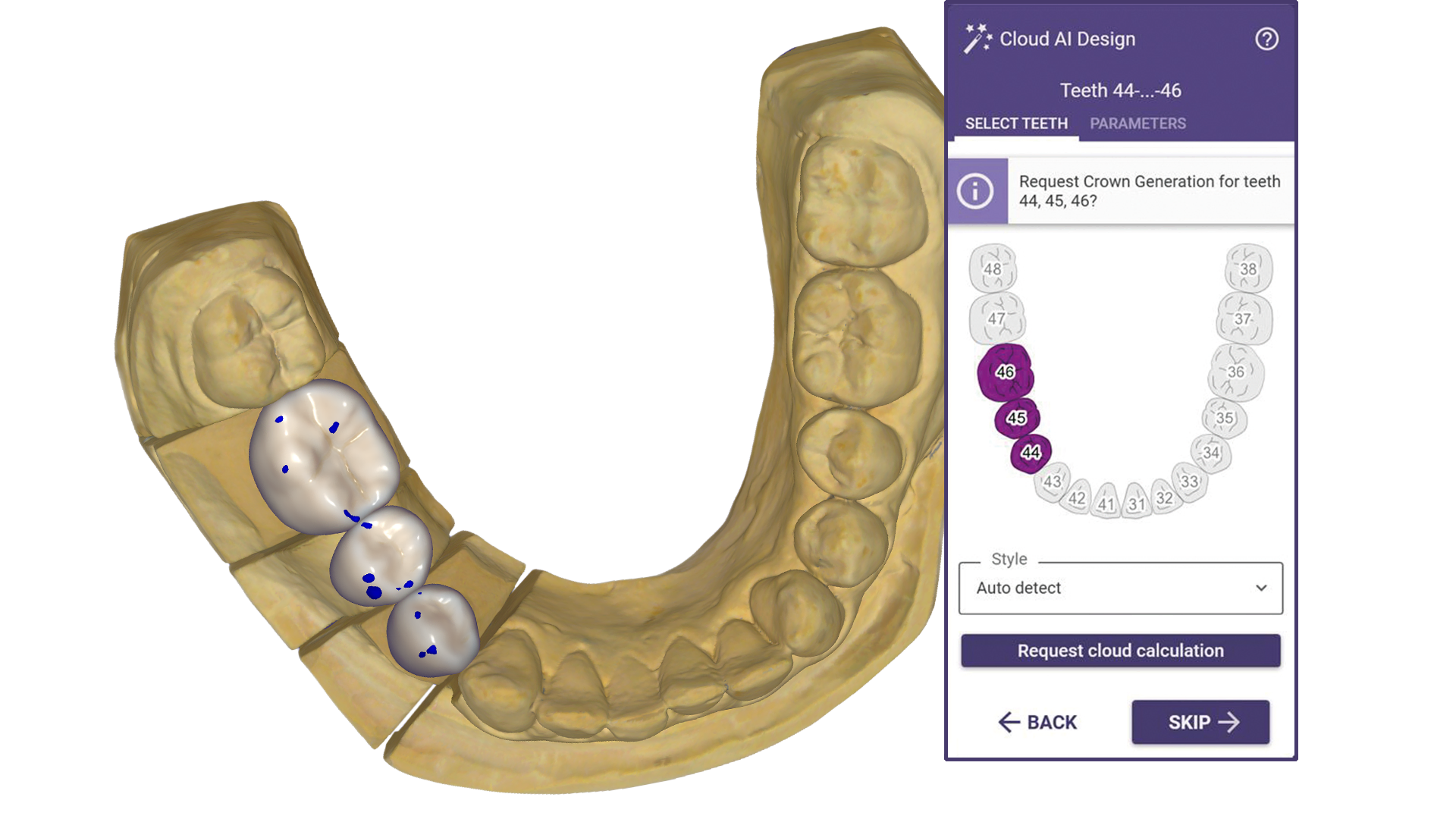
An AI Assistant helps prepare datasets and visualise anatomy in eligible configurations.
Licensed modules and packages
Subscription plans use Straumann AXS in selected countries; other markets use local licence arrangements.
coDiagnostiX hardware and system requirements
Current coDiagnostiX support specifications; the Instructions for Use take precedence.
| Component | Minimum or required check | Recommendation or preparation |
|---|---|---|
| Operating system | Windows 10 / 11, 64-bit | Check current Instructions for Use |
| Processor | OS-supported x64 processor | Confirm your workstation and imaging workload |
| RAM | 8 GB | Evaluate large CBCT case performance |
| Graphics | OpenGL 3.3 or higher | Use an appropriate current graphics driver |
| Storage | 128 GB drive; 16 GB install space | At least 10 GB free before each start, plus patient data |
| Display | 1680 × 1050 | 1920 × 1080 or higher |
| Licence | Free USB port; stable internet for AXS | Check network licence / database configuration separately |
Native Apple Silicon compatibility is not established by the cited support page. Network database, dongle-server and AXS licensing need separate checks.
Manufacturer requirements can change. Minimum specifications are not a performance guarantee for large cases, multiple applications or connected equipment. SSD storage and a tested backup are our preparation advice unless stated in the manufacturer guidance.
Compare requirements across the software cataloguePrepare for coDiagnostiX installation
Check DICOM completeness, surface-scan alignment, implant/sleeve libraries and the licensed guide-export workflow before production.
- Record your exact release, licensed modules and intended workflow.
- Share your OS build, CPU, RAM, GPU/VRAM and free disk space for a workstation check.
- Installation and setup service only. A valid manufacturer-authorised licence and the selected module entitlements are required; software licences, subscriptions and usage charges are purchased separately.
- Back up case files, settings and libraries; agree a recovery plan before an upgrade.
- Confirm import/export and connected-equipment tests with a representative case before production.
Service price and licence costs
View the current consultation and installation fee in the service panel. Manufacturer licences, subscriptions, export credits, and optional modules are separate unless explicitly included in your confirmed quotation. The service fee is per workstation; scope is agreed before work starts.
coDiagnostiX questions
Can I use coDiagnostiX on my current laptop or Mac?
The published platform guidance is Windows. Native Apple Silicon compatibility is not established by the cited support page. Network database, dongle-server and AXS licensing need separate checks. Compare your hardware with the table above.
What should I check before connecting coDiagnostiX to my workflow?
Check DICOM completeness, surface-scan alignment, implant/sleeve libraries and the licensed guide-export workflow before production.
Does the service include a coDiagnostiX licence?
Manufacturer licences, subscriptions, export credits, and optional modules are separate unless explicitly included in your confirmed quotation. Installation and setup service only. A valid manufacturer-authorised licence and the selected module entitlements are required; software licences, subscriptions and usage charges are purchased separately.
Official coDiagnostiX resources and manufacturer sources
Use current manufacturer documentation and your authorised supplier to confirm release requirements and entitlements.
- Manufacturer workstation requirements
- Manufacturer product information
- Manufacturer purchase information