
CIMsystem · CAM
MillBox Clinic / Eco / Standard / Expert: features, system requirements & setup
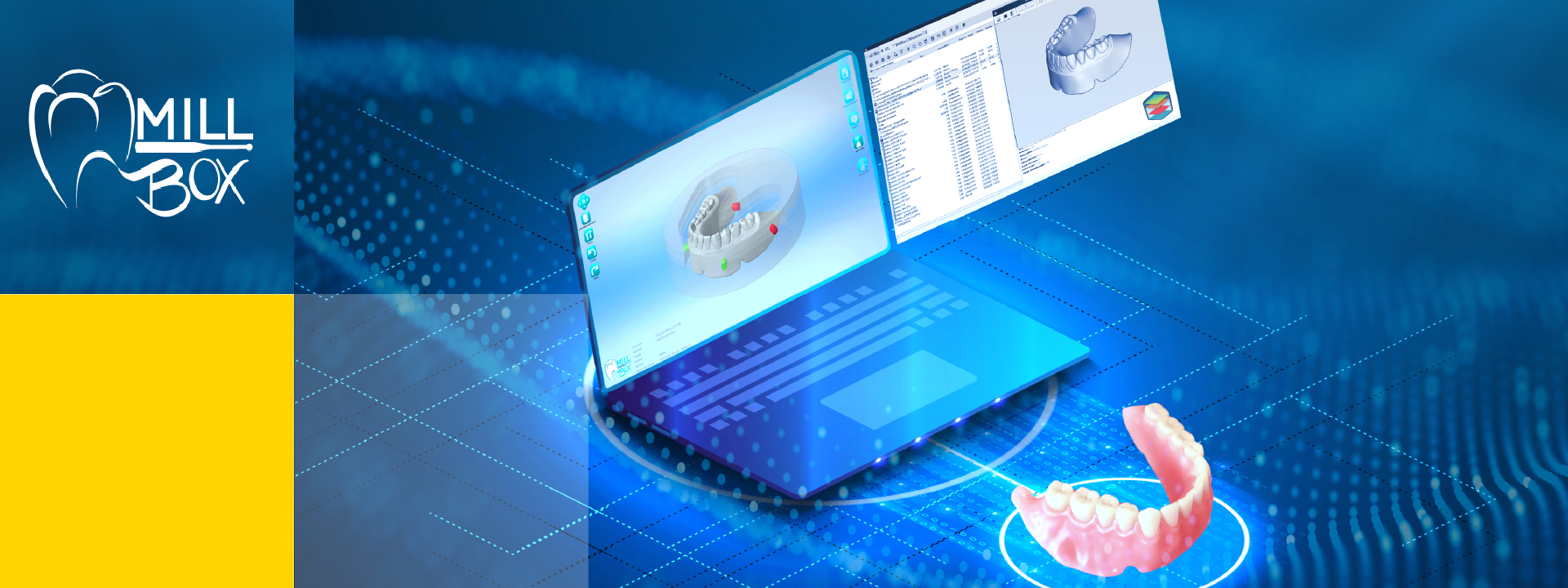
Dental CAM for nesting and machining restorations on compatible open milling machines.
Guide updated · Independent software support
Installation and support available after licence and compatibility confirmation
What is MillBox used for?
Dental CAM for nesting and machining restorations on compatible open milling machines. Dental laboratories and production teams preparing compatible milling or printing workflows.
Confirm edition, machine configuration, dongle, postprocessor, tool library and restoration types before production setup.
MillBox features and edition differences
- Import and position dental restorations for machining.
- Generate production paths with tools and strategies matched to the configured machine.
Import and position dental restorations for machining. Generate production paths with tools and strategies matched to the configured machine.
Licensed modules and packages
Clinic, Eco, Standard and Expert editions differ. Make&Mill and Strategy Editor are separately enabled options.
MillBox hardware and system requirements
Current MillBox workstation guidance; confirm the machine-specific OEM edition.
| Component | Minimum or required check | Recommendation or preparation |
|---|---|---|
| Operating system | Windows 10 / 11 Pro, 64-bit | Windows 11 Pro |
| Processor | Intel i7 / comparable AMD | Choose for your nesting and toolpath workload |
| RAM | 16 GB | 32 GB; 64 GB for large jobs |
| Graphics | NVIDIA with 4 GB VRAM | Confirm the exact GPU and driver |
| Storage | 500 GB SSD | 1 TB SSD |
| Display | 24-inch, 1920 × 1080 | Larger / higher resolution workspace if needed |
MillBox requires a supported native workstation; virtual machines and remote desktop operation are not supported in the cited guidance. Verify the USB licence and OEM postprocessor.
Manufacturer requirements can change. Minimum specifications are not a performance guarantee for large cases, multiple applications or connected equipment. SSD storage and a tested backup are our preparation advice unless stated in the manufacturer guidance.
Compare requirements across the software cataloguePrepare for MillBox installation
Record the milling unit and licensed postprocessor; preserve tool/material libraries and validate a representative job before production.
- Record your exact release, licensed modules and intended workflow.
- Share your OS build, CPU, RAM, GPU/VRAM and free disk space for a workstation check.
- An authorised software licence is required. This listing covers installation and workflow support; manufacturer licence, maintenance, add-ons and hardware charges are separate.
- Back up case files, settings and libraries; agree a recovery plan before an upgrade.
- Confirm import/export and connected-equipment tests with a representative case before production.
Service price and licence costs
View the current consultation and installation fee in the service panel. Manufacturer licences, subscriptions, export credits, and optional modules are separate unless explicitly included in your confirmed quotation. The service fee is per workstation; scope is agreed before work starts.
MillBox questions
Can I use MillBox on my current laptop or Mac?
The published platform guidance is Windows 10 / 11 Pro. MillBox requires a supported native workstation; virtual machines and remote desktop operation are not supported in the cited guidance. Verify the USB licence and OEM postprocessor. Compare your hardware with the table above.
What should I check before connecting MillBox to my workflow?
Record the milling unit and licensed postprocessor; preserve tool/material libraries and validate a representative job before production.
Does the service include a MillBox licence?
Manufacturer licences, subscriptions, export credits, and optional modules are separate unless explicitly included in your confirmed quotation. An authorised software licence is required. This listing covers installation and workflow support; manufacturer licence, maintenance, add-ons and hardware charges are separate.
Official MillBox resources and manufacturer sources
Use current manufacturer documentation and your authorised supplier to confirm release requirements and entitlements.
- Manufacturer workstation requirements
- Manufacturer product
- Editions and features
- Licensing and upgrades
- Technical requirements